Grow
Catalog Manager
Raw photo in, complete AI-optimized draft listing out — image, copy, tags, and metadata in one pass.
Free plan · Pro $14.99/mo · Max $39.99/mo · 7-day trial on paid tiers
Inside the app
Every screenshot is the real thing.
01 · /app/studio
The 5-Step Studio
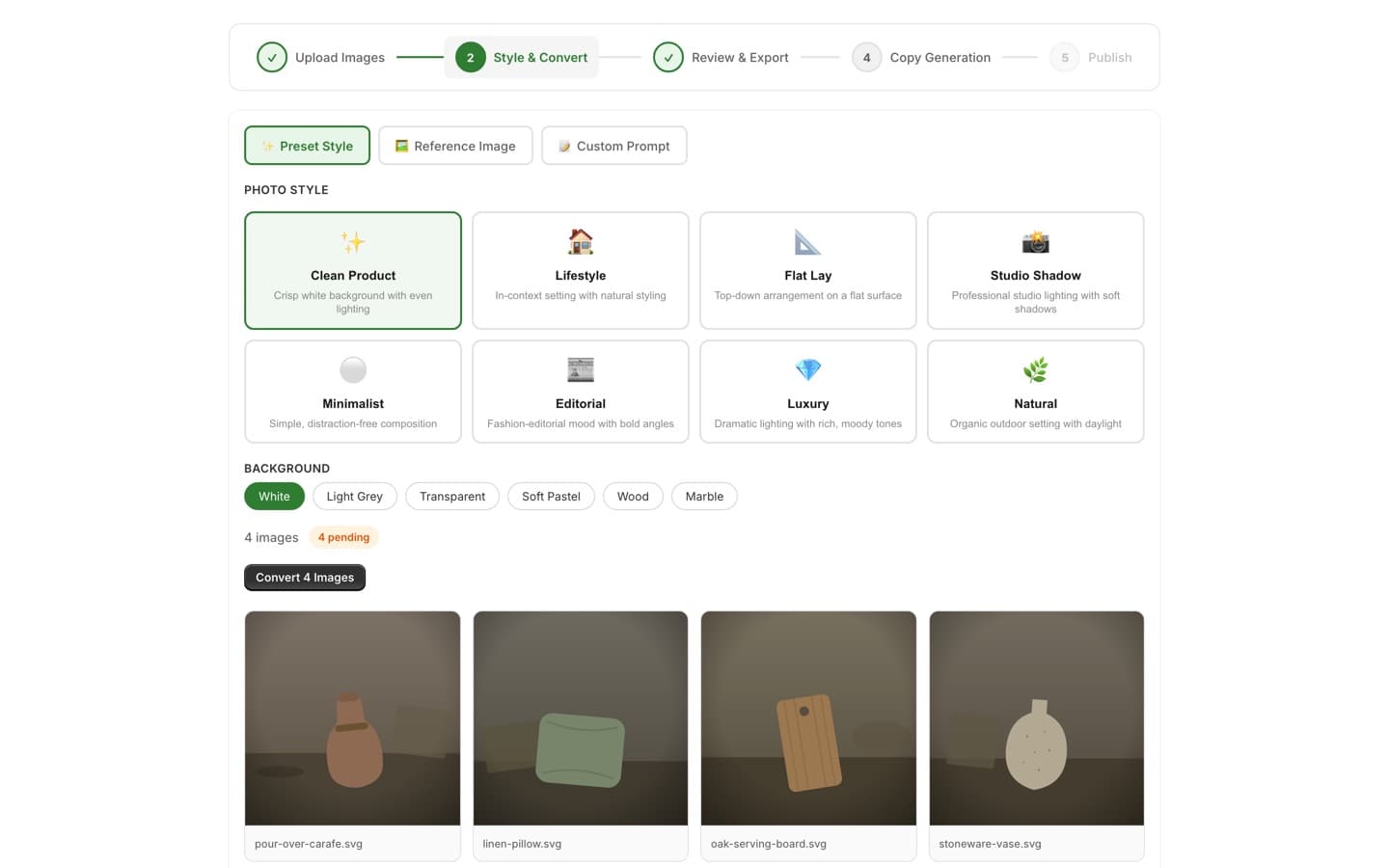
One wizard takes a raw photo all the way to a Shopify-ready listing: Upload Images → Style & Convert → Review & Export → Copy Generation → Publish. Drag and drop multi-image sessions with a preview grid, compare before/after results, and download images individually or all at once.
02 · /app/studio
AI Image Transformation
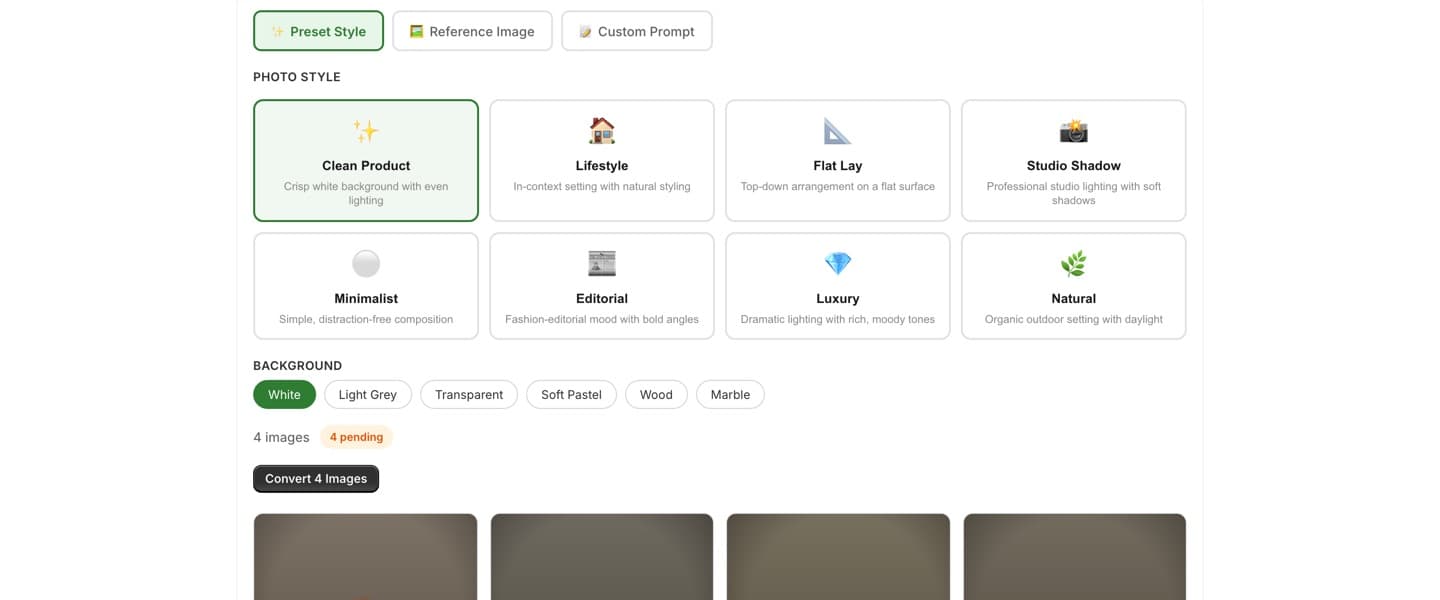
Restyle product photos with 8 presets — Clean Product, Lifestyle, Flat Lay, Studio Shadow, Minimalist, Editorial, Luxury, Natural — or switch modes to match a reference image or describe the look in a custom prompt. Pick one of 6 backgrounds and convert the whole session in one click.
03 · /app/studio
AI Product Copy
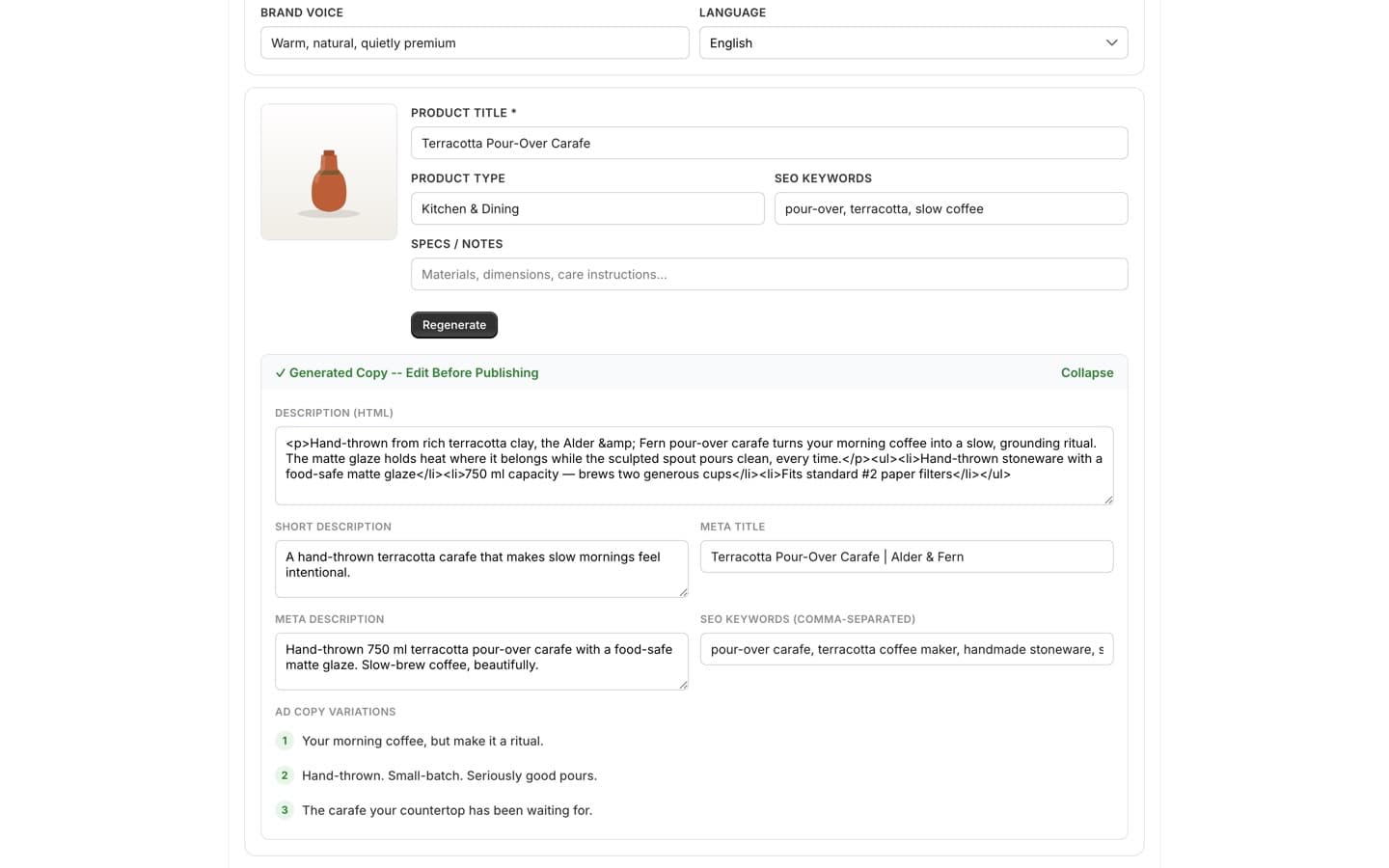
Set a brand voice and language, then generate the complete listing text: SEO description, short description, meta title and description, keywords, and ad copy variations — in 9 languages, one product at a time or in batch with quick-titles fill. Multi-select the results and publish to Shopify as draft products, image and alt text included.
04 · /app/tools
Standalone Image Tools
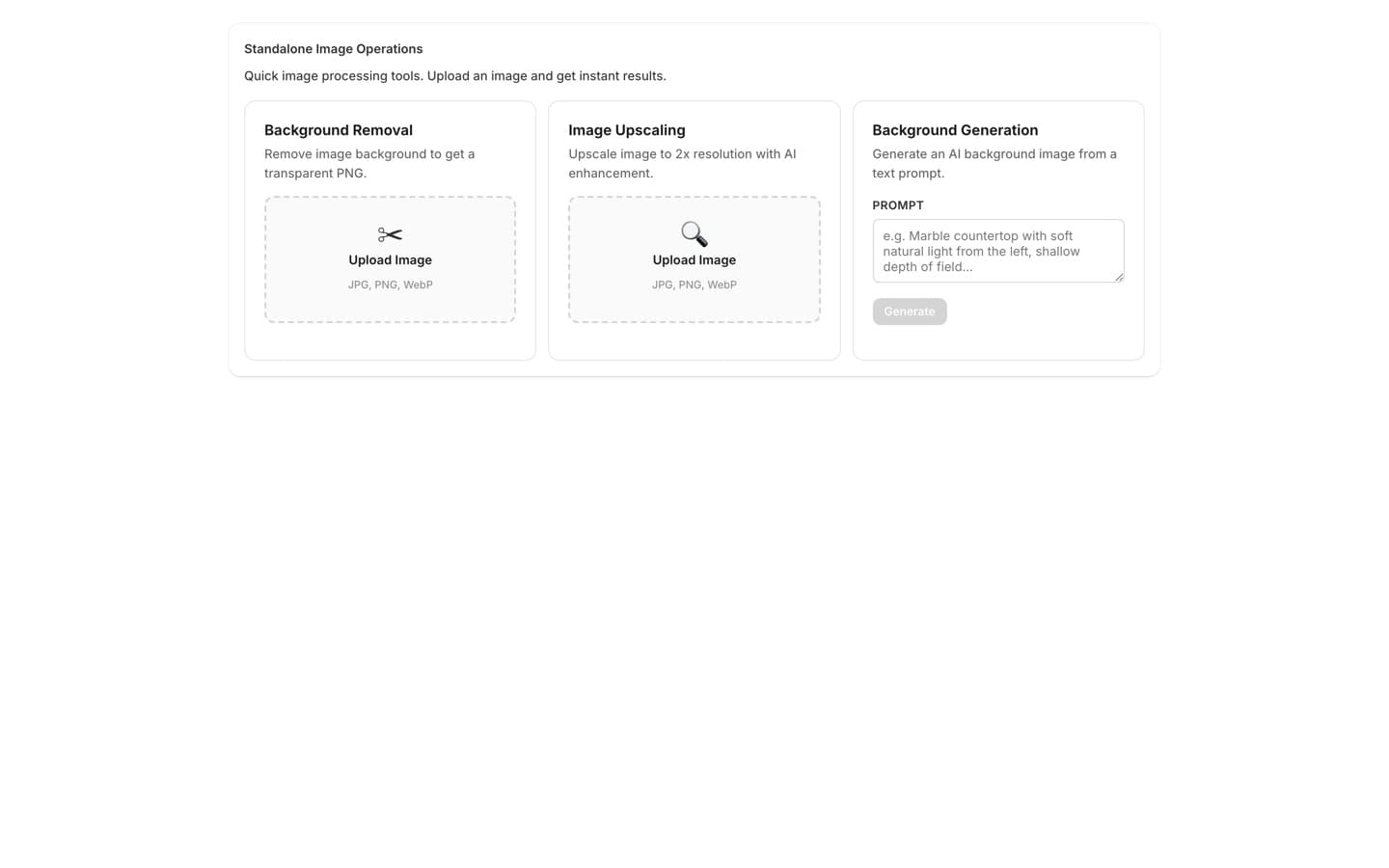
Quick one-off fixes without running the full pipeline: remove a background to get a transparent PNG, upscale an image to 2× resolution with AI enhancement, or generate a brand-new background from a text prompt.
05 · /app
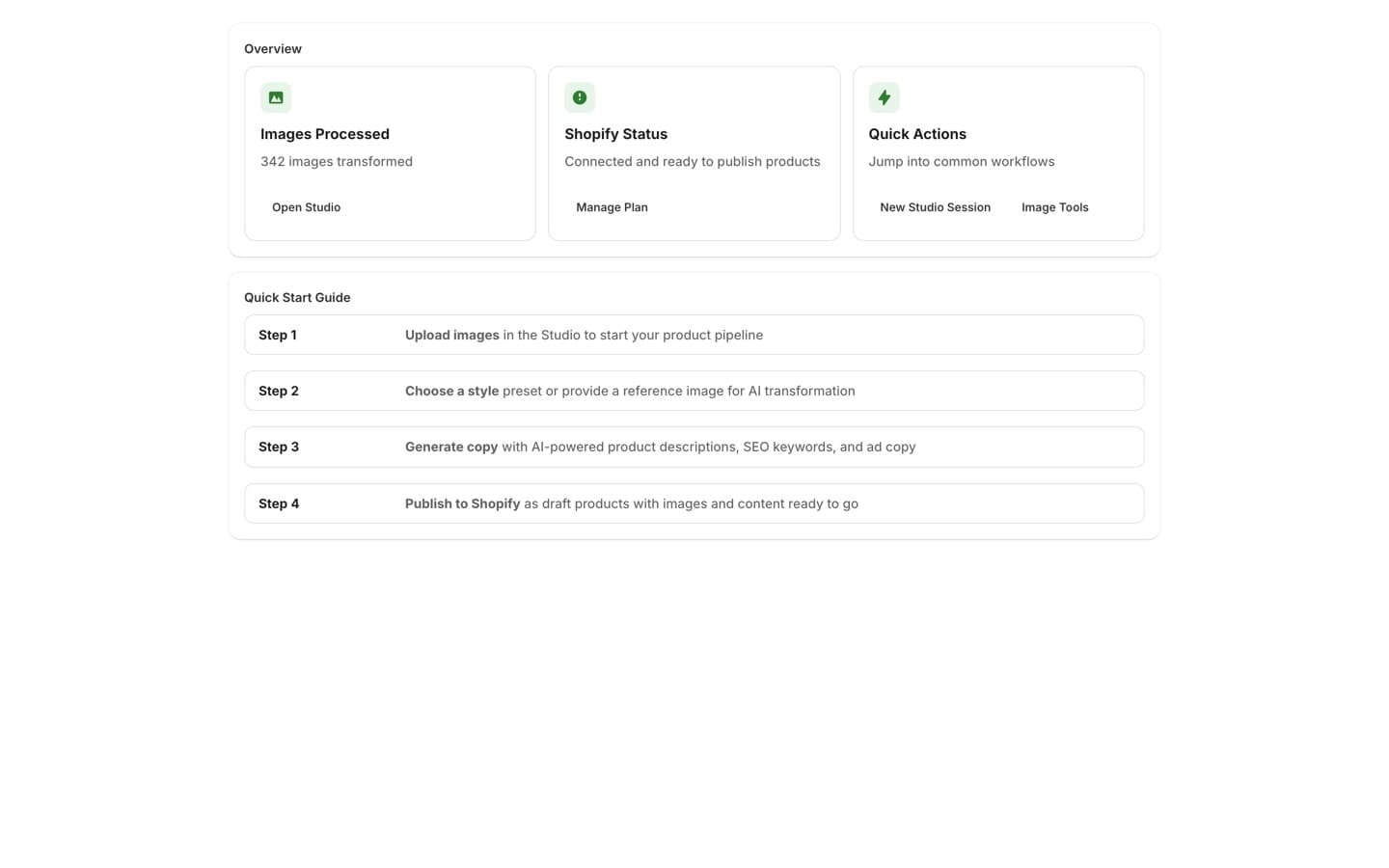
At-a-Glance Dashboard
Track how many images you've processed, confirm your Shopify connection is ready to publish, and jump into a new Studio session or the image tools with one click. A built-in quick-start guide walks you through the whole workflow.
Works well with
Grow
SEO
A transparency-first SEO agent — every change previewed, approved by you, and undoable.
Convert
Conversion Popups
Popups that respect the shopper — smart timing, brand-matched design, AI copy that converts without the cringe.
Convert
Product Reviews
An agent that collects, moderates, and showcases reviews with photos and video — social proof on autopilot.
Put Catalog Manager to work on your store.
One app, or the whole agentic OS — install what you need, free to start.